
Scott Powell
OTA Updates on ESP32 Devices
Updating the firmware of your repeaters or room servers is super easy for ESP32-based nodes.
1. Download new .bin
Go to the webflasher and find your device, then select the Repeater or Room Server role, then latest version. In the bottom-right, click the Download button, then select the second .bin (ie. not the merged.bin!):
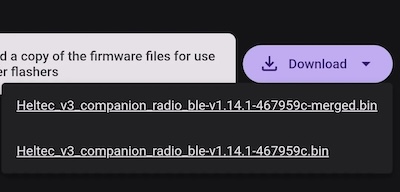
Alternatively, go to the Github releases page, then find the related artifact, eg. the Heltec V3 Repeater. NOTE: do not download the -merged.bin!
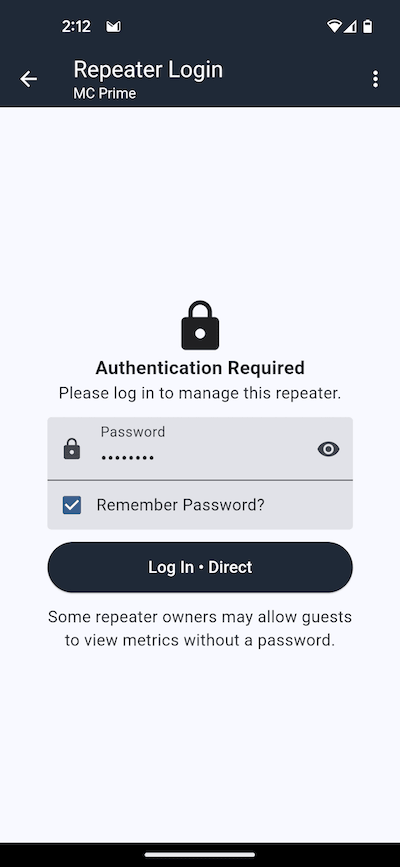
2. Login to repeater/room server
Using the mobile app, login to your device:
Then switch to the Command Line, and enter start ota command:
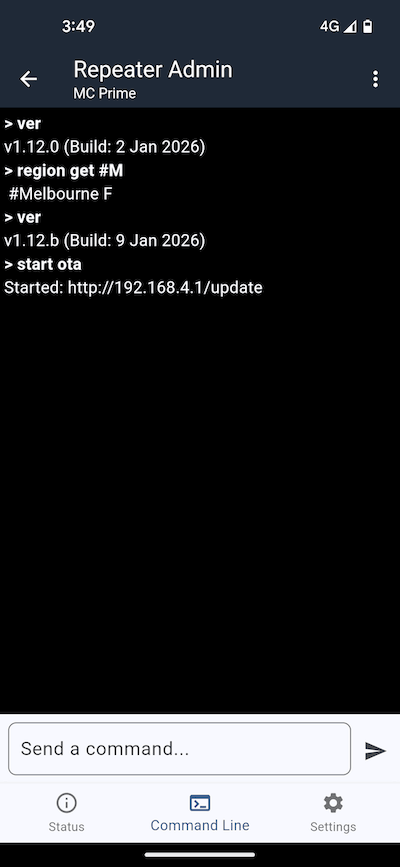
You should then see a reply, like:
Started: http://192.168.4.1/update
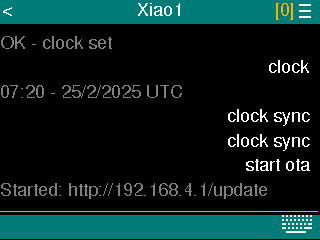
Alternatively, you can use a standalone device like the T-Deck with the Ripple firmware to enter the start ota command:
3. Connect with your laptop/phone
The ESP32 device should have created a WiFi access point called MeshCore-OTA. Just connect to this from your laptop (or phone), and navigate to the URL that was shown in the command line response (above). You should see a page like this:
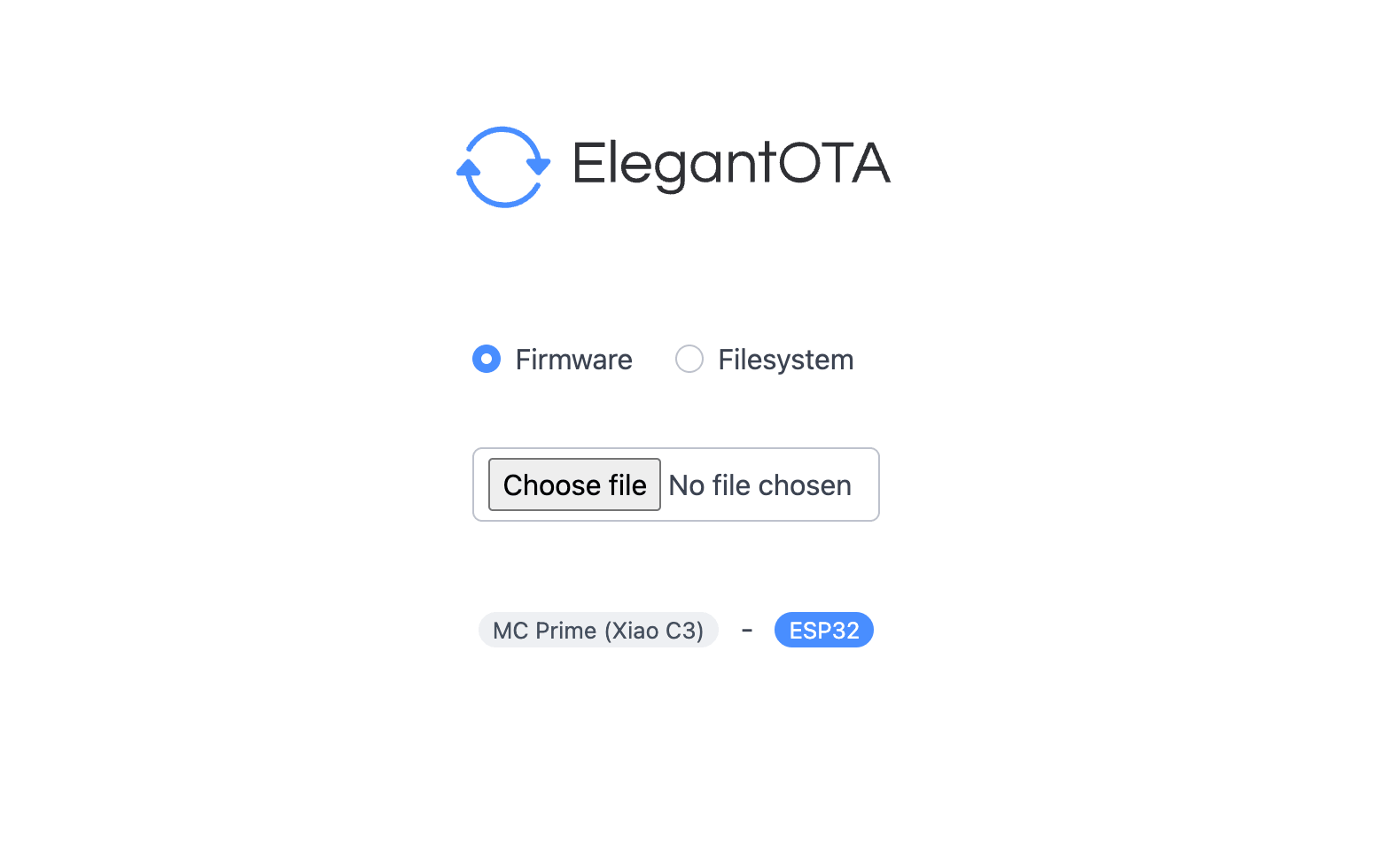 Just take note of the ID displayed, eg the “MC Prime (Xiao C3)”, as this should be the name (and MCU type) of the node you are about to update.
Click the Choose file button, and select the .bin file you previously downloaded. You should then see a progress bar:
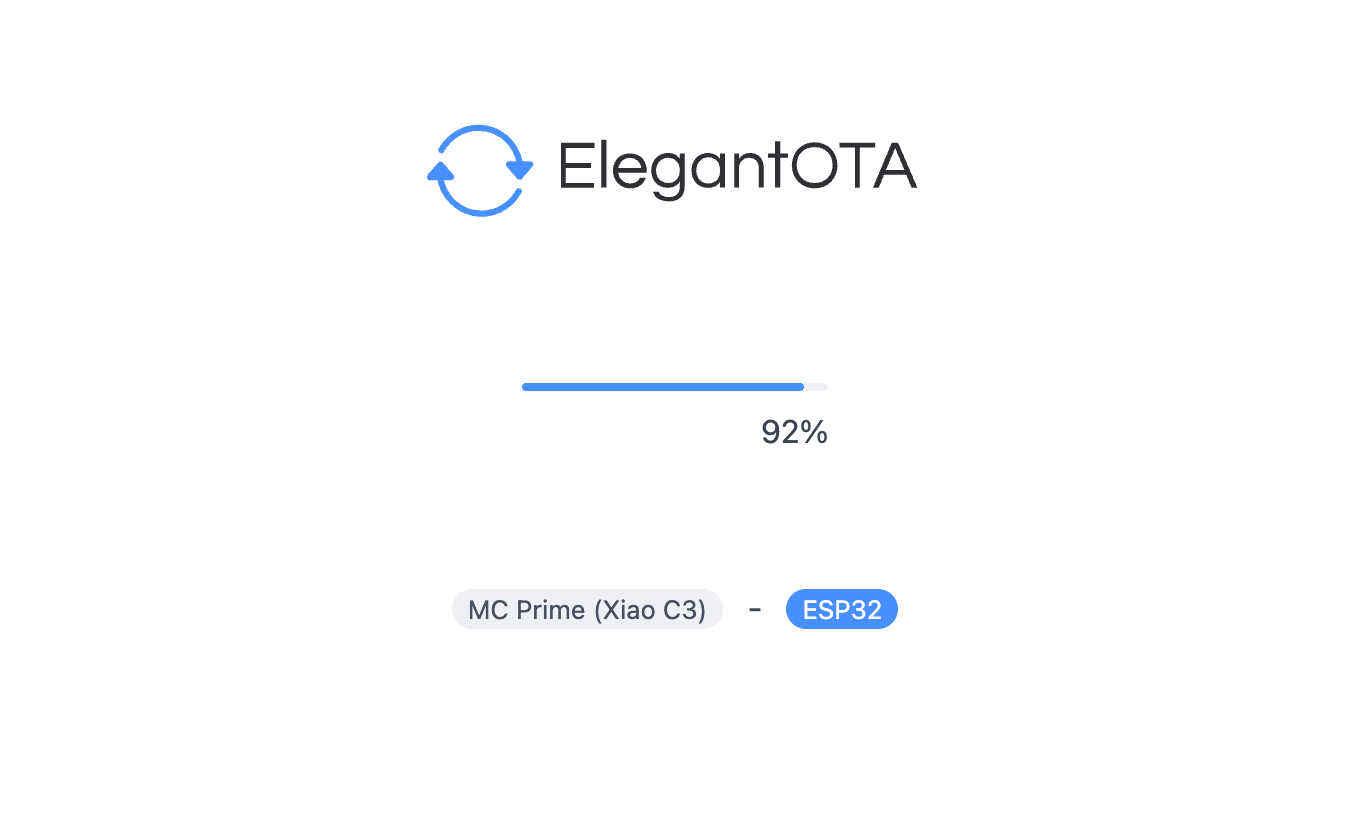
4. Finishing Up
Once completed, logout then log back in (either with the app or a standalone device), check that the clock is correct with the clock command. If it is incorrect, just issue the clock sync command.
Also, you might want to enter the ver command, to check the firmware version is now updated.
Trouble Shooting
If the progress bar stalled, or something went wrong, try issuing this command from phone or standalone device:
reboot
And then try the process again.